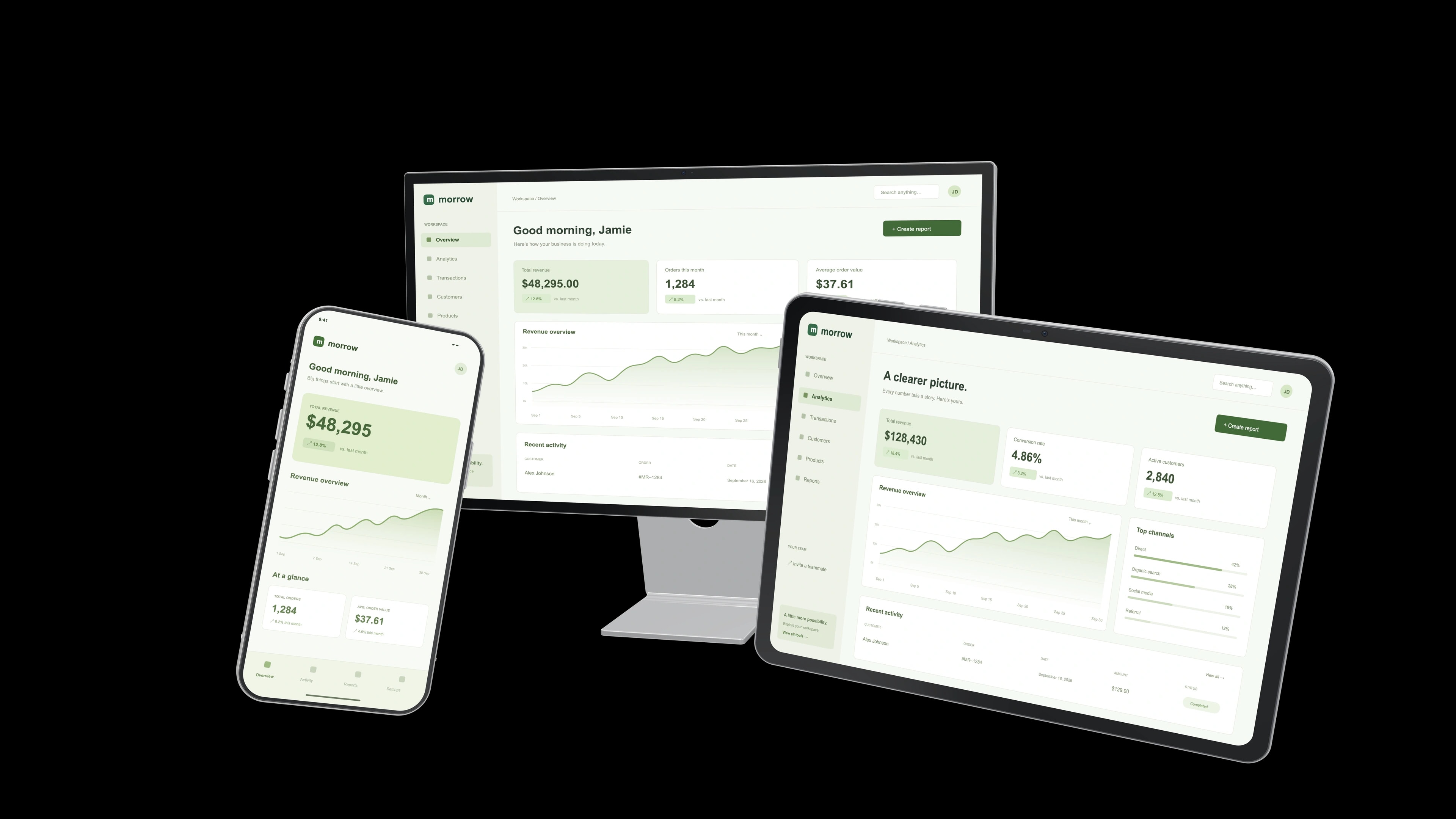
Everything. Beautifully together.Website heroes
Show your product across every screen.
Give your product the introduction it deserves. Arrange devices,
find your angle, and create something worth sharing.
Transparent PNG · independent screens8K UltraBeautiful detail, by default
12 lighting modesFind the right atmosphere
Made in your browserYour files stay on your device
From the first pitch to the next product launch.
One scene, so many places to make it shine.
Everything. Beautifully together.Show your product across every screen.

Let the details do the talking.

Make the vision feel real.
Actual studio renders. Original demo models and interfaces.
Drop in your UI. Give every screen its own screenshot, from the big picture to the smallest detail.
Choose your devices. Rotate, move, and scale them independently. Set the light and make it yours.
Export a crisp PNG with a transparent background. Ready for your deck, website, or next big reveal.
All the control you need to make your product look like itself. At its very best.
Explore the studioPhones, tablets, laptops, displays, and payment devices. Compose multiple screens, each with its own UI.
Choose from 12 lighting modes, then fine-tune brightness, direction, warmth, reflections, and shadows.
Rotate in three dimensions. Adjust position, scale, and image fit. Start from a layout and make it your own.
8K Ultra exports by default, with options up to 16K. Transparent PNGs drop right into your next design.
Import GLB, glTF, or USDZ files from your device. Use models you have permission to work with.
Create locally in your browser. Keep a project backup, return to your scene, and pick up where you left off.
Explore the code on GitHub. Share feedback, improve the documentation, or propose a change. There’s more than one way to contribute.
Yes. You can create compositions and export images without a payment, account, or watermark.
Exports start at 8K Ultra by default, with supersampling for smoother edges and fine detail. You can choose widths up to 15,360 pixels (16K), depending on your canvas ratio and available browser memory. Use high-resolution screenshots for the sharpest results.
Yes. Import GLB, glTF, or USDZ files from your device. Original materials are retained where supported, and suitable screen surfaces can display your screenshots. You need the appropriate rights to use any model you import.
Your screenshots and models are processed in your browser. Your current project autosaves on this device. Download a project file from the studio to keep a backup or move your work to another browser.
No account. No installation. Just your next great visual.